Casting with Channels
Deep dive documentation for TFC Casting with Channels systems.
You can cast from a Crucible to more than one mold at a time using Channels and Mold Tables. Simply connect the Mold Tables to the Crucible using Channels and right-click on the Channel next to the Crucible. Shift-right-click the Mold Table with a Mold to place it or remove it.


Knapping several Unfired Channels.

Knapping an Unfired Mold Table.
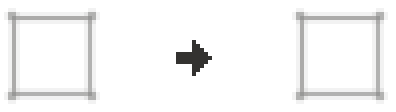


Yellow White****
After the channels and mold table are knapped, they will need to be fired, like any piece of pottery.
A casting set up
Multiblock: tfcchannelcasting:example
Automation
- Using a bellow on a Mold Table will cool the metal faster.
- Activating a Channel with a redstone pulse will start pouring the metal.
- Mold Tables output a comparator signal.